
ダンサーとアーティスト向け
What's on in your city
Open your city and see what’s actually happening this week, and in the weeks after that.
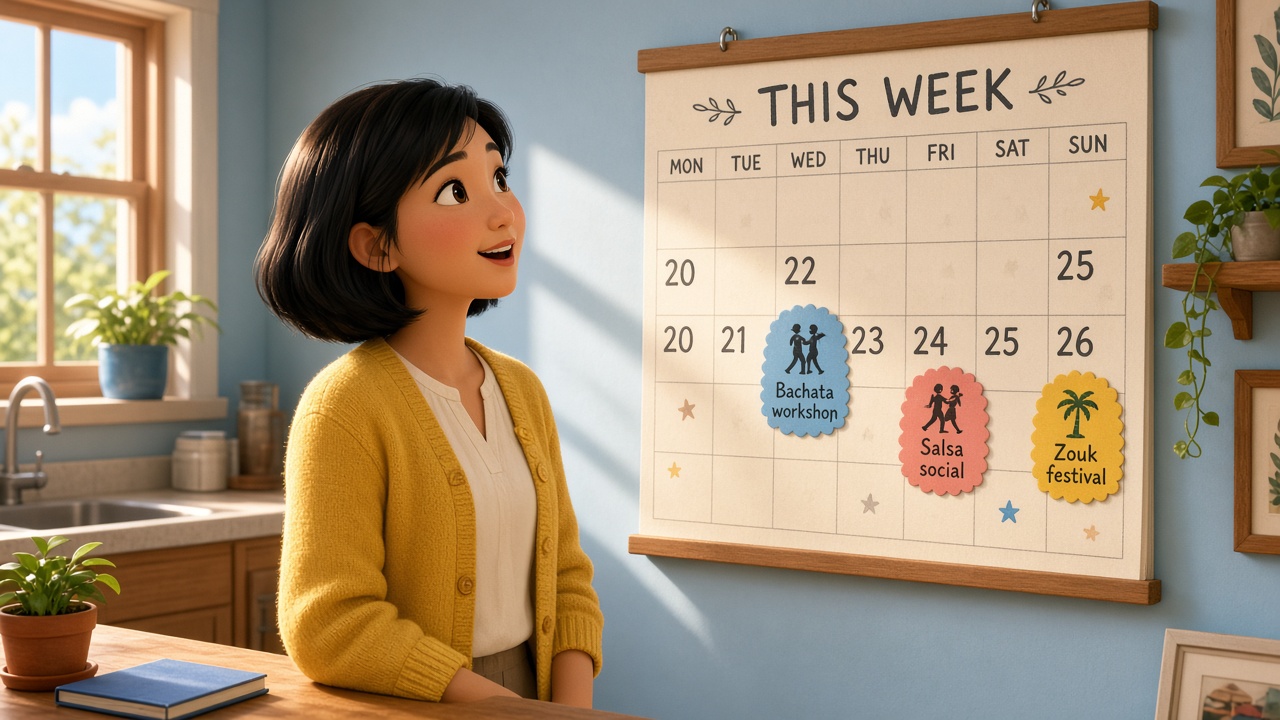
Every night has its own date. A weekly social doesn’t blur into a vague “every Friday” — you can see this Friday, next Friday, and the one after that.
動き方
- 01
Pick your city
You’ll see the nights people have posted there. You can search for a social, a room, or an artist.
- 02
Look at the week
Days with a night are marked. Tap a day to focus on those dates.
- 03
Open a night
You’ll see what kind of night it is, when it is, and whether it’s part of a regular series.
CityWeekNight
What about a weekly Friday social?
Each Friday is its own night on the calendar. The card for the 7th is not the same as the card for the 14th, so you can tell which weekend you’re looking at.
これはしないこと
The calendar only shows nights someone has posted. It doesn’t invent a social that nobody published, and it doesn’t pick a “best night” for the city.
質問
Do I need an account just to look around?
No. Anyone can browse the calendar. You only need an account to save nights, follow people, buy tickets, or host.
Can I see nights after this week?
Yes. Upcoming dates stay in the list, with the day and the month on the card, so a night in three weeks is still easy to spot.
Are workshops and festivals in here too?
Yes. Socials, workshops, and festivals share the same calendar. The type is marked on the card.