
For dancers and artists
Put it on your home screen
Dance or Die is a website you can add to your home screen. After that, you open it like any other app, instead of searching for the address.

The first visit can offer to add it, when your browser allows that. You can also do it from your profile. There’s no App Store or Play Store listing to wait for — it’s this site, full screen, with an icon.
How it works
- 01
Take the prompt if you see one
Confirm, and the icon is added.
- 02
Or add it yourself
On iPhone, tap Share, then Add to Home Screen. On many Android phones, look for Install app in the menu.
- 03
Open it from the icon
The calendar, your tickets, and your notifications are all there.
First visitInstallHome screen
What if I opened the link from Instagram?
Instagram and Facebook’s browsers can’t add it to your home screen. Use their menu to open the page in Safari or Chrome, then add it from there.
What this does not do
Adding it doesn’t create a separate account, and it doesn’t download a different app. It’s this site, on your home screen. Alerts on iPhone need that icon.
Questions
Is this in the App Store or Google Play?
No. You add it from the site itself. You still get an icon and it opens full screen.
I don’t see a button to install it. What should I do?
On iPhone, open Share, then Add to Home Screen. On many Android browsers, look for Install app in the menu. You can also find the steps on your profile.
I opened the link from Instagram and nothing works.
Instagram and Facebook’s in-app browsers can’t add it. Use their menu to open the page in Safari or Chrome, then add it from there.
Open the calendar
Open the calendarMore features
 NotificationsYour ticket is ready, a reminder before you go, a new room, a cancellation, or a price about to rise.
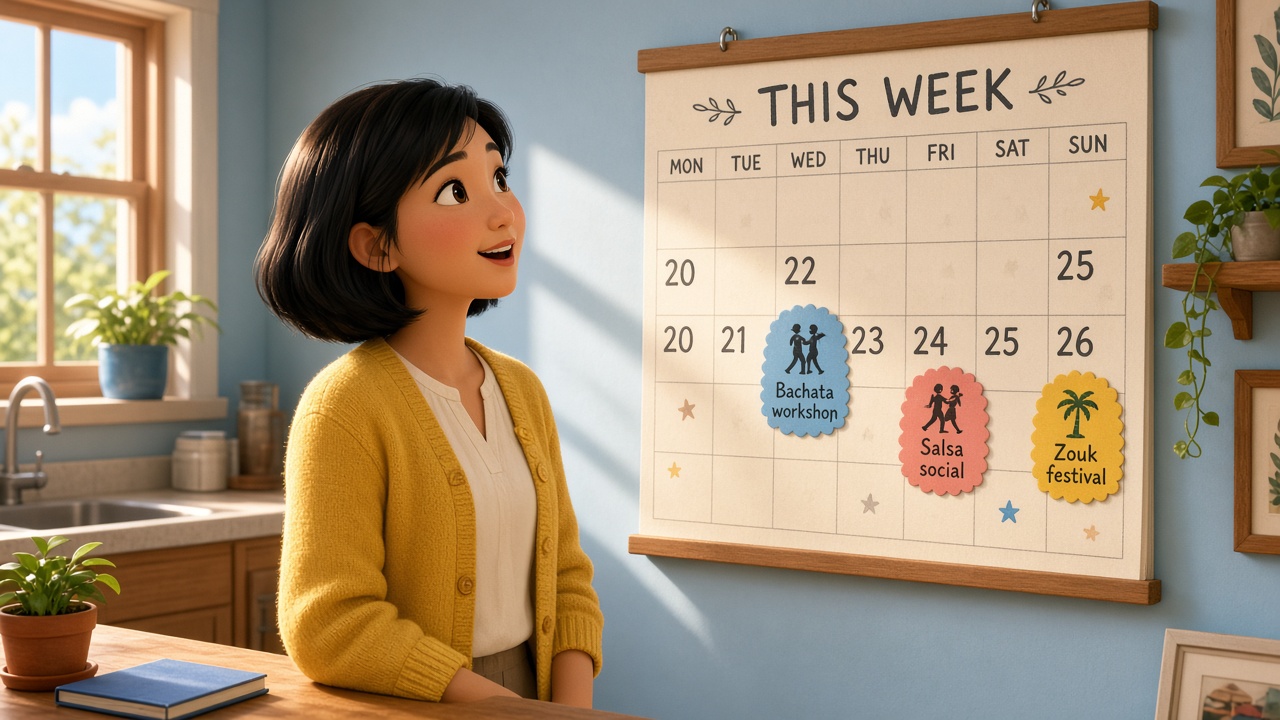 City calendarSocials, workshops, and festivals — each with the real date, not just “every Friday”.
 Your ticketPay on Stripe from the night’s page. After that, the ticket stays on your phone to show at the door.